Create a free Google Business Profile at business.google.com, choose the most accurate category, add your location (or service area if you work from home), hours, phone, WhatsApp-friendly number and website, then verify — usually by video or phone in Kenya. After that, add real photos, ask happy customers for reviews and reply to them, and keep your details identical everywhere online.
In this guide
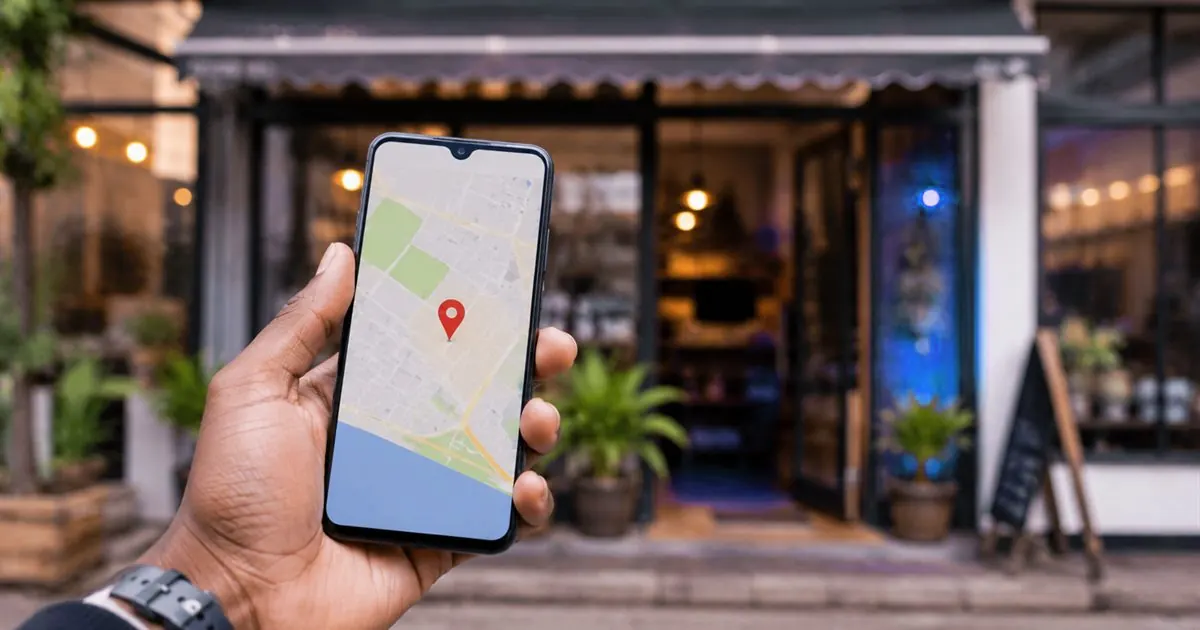
When someone in Kenya searches "hardware near me", "salon in Migori" or "plumber Kisumu", Google shows a map with three businesses before any website. Those businesses get the calls. Getting into that map is free — it is done through a Google Business Profile (previously called Google My Business). This guide walks you through creating it, getting verified, and the habits that move you up the list.
What is a Google Business Profile?
It is your free business listing on Google Search and Google Maps. It shows your name, category, location or service area, phone number, hours, website, photos and reviews. Customers can call you, get directions or visit your website straight from it — often without ever typing your website address.
Before you start: get your details right
Write these down exactly as you want them to appear everywhere online. Consistency matters to Google.
- Business name — your real trading name as on your signboard, without extra keywords stuffed in.
- Category — the most specific one that fits, for example "Hardware store" rather than "Store".
- Address or service area — a physical location customers visit, or the towns you serve if you go to them.
- Phone number — ideally the one you also use on WhatsApp.
- Website and working hours, including public holiday changes.
Step by step: create your profile
- Go to business.google.com and sign in with a Google account the business controls (not an employee's personal account).
- Search for your business name. If it already exists — a customer may have added it — choose it and request access. Otherwise, add a new business.
- Choose your category. You can add more categories later.
- Add your location if customers visit you. If you work from home or travel to clients, choose to show only a service area and hide the address.
- Add your phone number and website.
- Verify the business (see below).
- Complete everything else: hours, description, services, products, photos and opening date.

How verification works in Kenya
Google decides which verification method to offer, based on your business type and location. Common options are:
| Method | What you do | Tips |
|---|---|---|
| Video recording | Record one continuous short video in the app | Show the street or landmarks, your signboard, the inside of the premises and something only the owner or manager has (keys to open up, the till, tools or equipment) |
| Phone call or SMS | Enter a code sent to the business phone | Make sure the number on the profile can receive calls and SMS |
| Click a link sent to the business email | Use an email on your own domain if you have one | |
| Postcard | Enter a code from a postcard sent to your address | Rarely offered in Kenya |
Beware of scams: Google does not phone businesses asking for payment to list, verify or "rank" your profile. The profile is free. Never share your Google account password or verification codes with callers.
How to rank higher on Google Maps
Google ranks local results by relevance (how well you match the search), distance (how close you are to the searcher) and prominence (how well known and well reviewed you are). You cannot change distance, but you can improve the other two.
- Complete every section. Hours, services, products, description and attributes all help you match more searches.
- Add real photos regularly — your front, inside, team and work. Profiles with photos get more direction requests and clicks.
- Earn reviews steadily. Ask happy customers soon after a good experience and send them your review link on WhatsApp.
- Reply to every review, good and bad, politely and quickly. It shows future customers you care.
- Post updates — offers, events, new stock — so the profile looks active.
- Keep your name, address and phone identical on your website, Facebook page, directories and the profile.
- Link to a fast website that mentions your town and services. Our website checklist covers what it needs.
Reviews: what to do and what not to do
| Do | Don't |
|---|---|
| Ask every satisfied customer, the same day if possible | Buy reviews or ask friends to post fake ones |
| Share your direct review link by WhatsApp or SMS | Offer discounts or gifts only for positive reviews |
| Thank reviewers and answer complaints calmly | Argue publicly or reveal a customer's private details |
| Fix the problem a complaint points to | Review your own business or competitors |
Google removes fake reviews and can suspend profiles that break its rules, so honest, steady reviews always win in the end.
Common problems and fixes
- "This business is already managed by someone else." Request access through the profile. If the owner does not respond, Google offers a way to claim it.
- Your pin is in the wrong place. Edit the location and drag the pin to the right building — common in areas without clear street addresses.
- Profile suspended. Usually caused by keyword-stuffed names, a virtual office address, or details that do not match. Fix the details, then request reinstatement.
- Two listings for one business. Ask Google to merge or remove the duplicate.
How Elvinsoft can help
When we build or maintain your website we can set up and verify your Google Business Profile, link it to your site, and add the search basics so customers find you. See Website Maintenance & Support or get in touch.
Frequently asked questions
Is a Google Business Profile free?
Yes. Creating and managing a Google Business Profile is free. Be careful of anyone who calls claiming to be Google and asking for payment to list or verify your business.
How does Google verify a business in Kenya?
Google chooses the method. Common options are a short video showing your signage, workspace and proof of management, or a phone, SMS or email code. Postcard verification is rare.
Can I list a business that works from home?
Yes. Set it up as a service-area business: list the areas you serve and hide your home address, so customers can find you without seeing where you live.
How do I get more Google reviews?
Ask satisfied customers soon after a good experience and send them your direct review link on WhatsApp. Reply to every review. Never buy reviews or offer rewards for positive ones; Google can remove them and penalise your profile.
This guide is general information for Kenyan businesses, written by the Elvinsoft team and checked on 31 October 2026. Prices, rules and provider processes change; confirm the details that matter to you before you act.